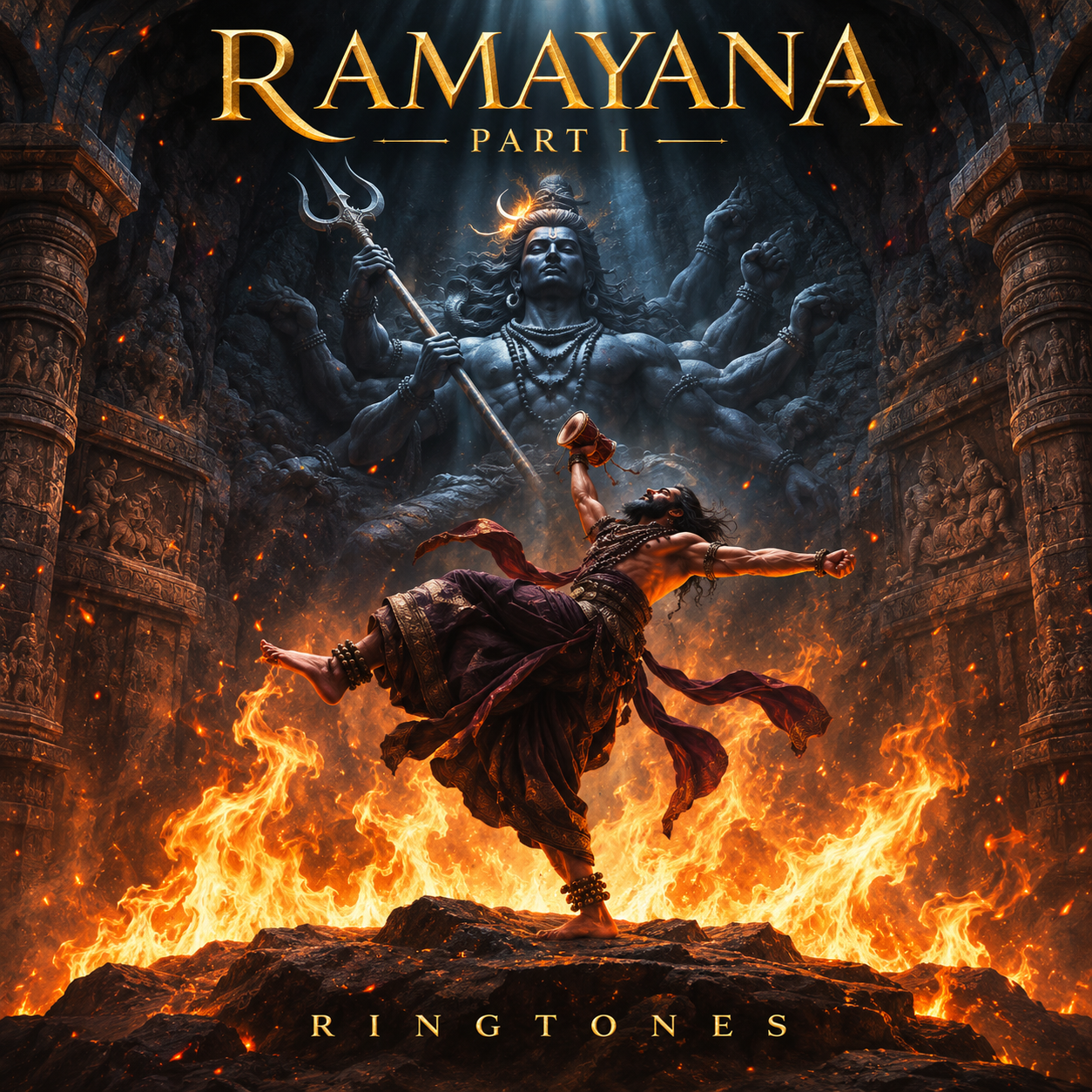
Ramayana: Part I Ringtones Download: choose by title and excerpt
The Ramayana: Part I ringtones download collection gives you several starting points for listening. You can begin with a named song such as Main Ram or Mangal Rang, or compare character-related entries such as Rama Theme and Sita's Aspiration. Those names help you navigate the list, but they do not replace listening to the selected audio. A short excerpt may begin after an introduction or focus on a different phrase from the one you remember. Play the preview in the relevant row, note the duration and keep the matching download destination together with your choice. This is especially helpful when returning to the page after exploring another title.
For a compact comparison, choose one song entry, one theme entry and an alternate arrangement. Jai Jai Ram and Jai Jai Ram Orchestral offer a direct title-based comparison, while Ravana Tandav provides another clearly named starting point. The purpose of this shortlist is to make the listening process manageable. It does not establish an official album sequence or suggest that every clip has the same role in the film. Once you hear the openings, revisit the one you recognize most easily. If you came looking for a particular phrase, confirm it in the preview rather than downloading an entry because its title appears close to your search.
Match a Ramayana selection to everyday use
Think about whether you want a default ringtone, a temporary change or a sound for one contact. A default ring is likely to be heard repeatedly, so listen to your preferred opening more than once at the volume you normally use. A contact sound can be chosen for its personal association with a title or theme. You may enjoy a character-related entry for a particular person while keeping a broader song excerpt as your main sound. Test both through your phone speaker, because headphones can make details stand out differently from the device that will actually play your incoming calls.
For devotional or story-related material, select a passage you feel comfortable hearing in the places your phone is likely to ring. Listen to the complete short excerpt so you know where it ends, and use silent mode whenever the setting calls for it. A ringtone is an alert rather than a replacement for listening to a full recording. If the excerpt stops before the phrase you wanted, look for another available edit instead of assuming a longer source video is part of the download. The time shown beside each row describes that selected ringtone file and is the useful reference when comparing the options.
Download, organize and test the selected file
Open Details & download for your chosen Ramayana title and confirm the page still identifies the same edit. Save an available format that fits the installation method you plan to use. MP3 and M4R are format labels, while importing or selecting the ringtone is a separate action. Keep the title in the filename so Jai Jai Ram is easy to distinguish from its orchestral alternative. If you shorten a file with the ringtone maker, give that export a different name and preview the beginning and ending before saving it to your phone. A trimmed export contains only material already present in the original downloaded clip.
Follow the linked setup guide for Android or iPhone, then verify the result with an incoming call. If you selected a contact-specific sound, test that caller as well as a call that uses the default ringtone. When the wrong sound plays, check those two settings before downloading the file again. Keep the original file available until you know the new sound is installed and working. A small folder of clearly named favourites makes future changes easier, particularly when you want to return to a previous Ramayana excerpt without comparing the entire collection again.
Explore the Ramayana: Part I selection
The twelve clips on this page combine song titles, named themes and alternate arrangements from the TokFun Ramayana catalog. Jai Jai Ram, Main Ram and Mangal Rang provide title-based starting points, while Ravana Tandav, Sita's Aspiration and Rama Theme help you browse by a particular character or theme name. This is a ringtone selection rather than a statement of the film's complete soundtrack.
Other entries include Tvameva Sarvam, Vision Of Ramayana, Ramayana Path Of Dharma, Ramayana Rise Of A Legend and Ramayana Part 1. Their presence gives you more ways to explore the collection, but a title should not be treated as a complete description of the audio. Preview the short excerpt before deciding how it fits your phone.
Jai Jai Ram and its orchestral alternative
Jai Jai Ram and Jai Jai Ram Orchestral are separate entries here, with listed lengths of 18 and 19 seconds. Compare them directly if you want a familiar title but have not decided which arrangement to use. Listen to the opening and the part that carries the identity of the excerpt instead of choosing solely from the arrangement label.
A one-second difference is less useful than the musical phrase you hear within it. You might prefer the excerpt whose first few moments are easier to recognize, or the one that feels comfortable after repeated plays. Keep playback volume steady so a louder preview does not automatically become your choice.
Choosing between named character and story themes
Ravana Tandav, Rama Theme and Sita's Aspiration offer three clearly named entries to compare if your interest begins with a character. Play each independently, then return to the one you remember most readily. A recognizable title helps you find the right page, while the preview determines whether the actual passage matches what you wanted.
For a broader title-based selection, compare Vision Of Ramayana with Path Of Dharma or Rise Of A Legend. These names organize the available clips; they do not guarantee a particular instrument, vocal performance or scene. This distinction matters when you are looking for a precise moment rather than simply a ringtone associated with Ramayana.
Using a short Ramayana clip on your phone
The selected durations run from 18 to 25 seconds. Listen for whether the opening is useful on its own, since an incoming call may be answered before the entire clip finishes. Test the excerpt through your phone speaker and check how it feels when repeated, especially if you plan to use it for every incoming call.
Open the chosen entry for its MP3 or M4R download options and installation guidance. A downloaded audio file is not automatically the active ringtone. Complete the setup on your device, then make a test call to confirm that the correct selection plays and that its volume suits your usual surroundings.
Need help installing your selection? Read our Android MP3 ringtone guide or iPhone GarageBand guide.